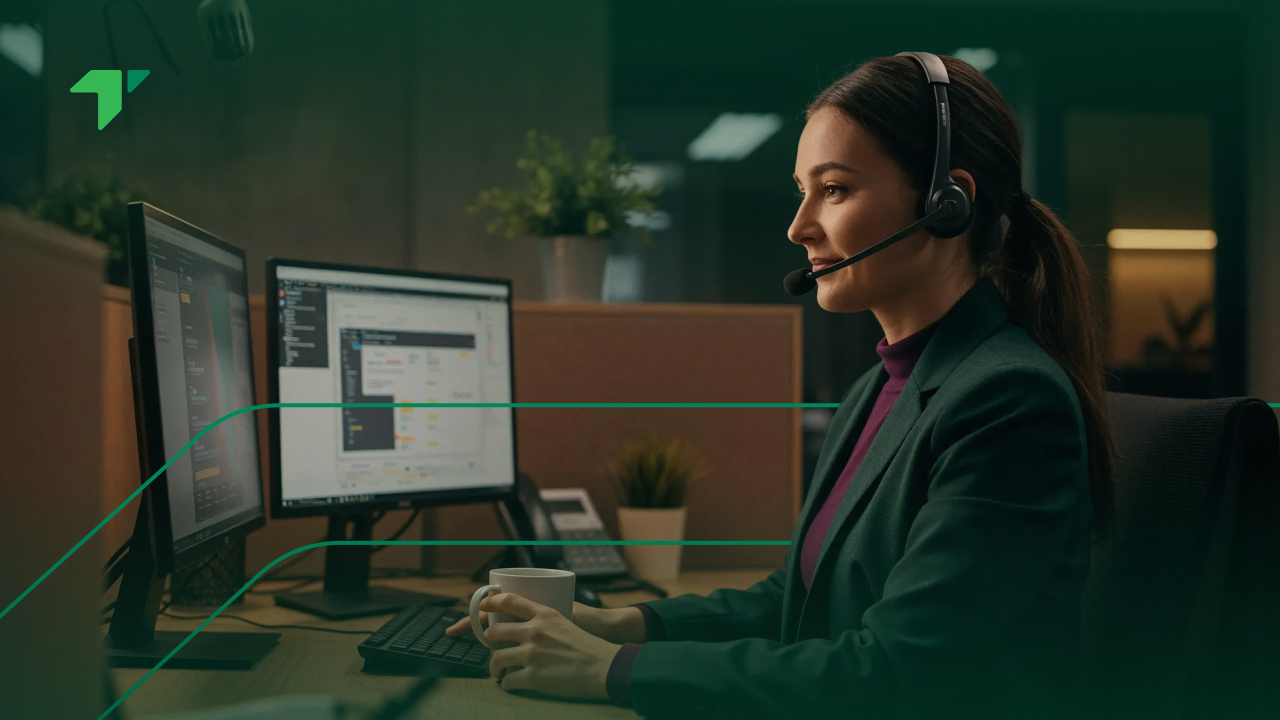



Most people have used one without knowing the word. If you have ever taken a work call through a laptop, with a headset on and a keypad on screen, that was a softphone.
The term matters mainly at procurement time, when somebody has to decide whether staff get handsets, software, or both. This guide covers what the software actually does, what it needs to work properly, where it fits, and where it causes trouble.
What is a softphone?
A softphone is software that turns a computer, tablet or mobile into a working business telephone. It handles the same jobs a desk phone does: dialling out, answering, transferring, holding, checking voicemail, looking up a colleague.
The name is a contraction of software telephone, and the distinction it draws is against hardware. No dedicated device, no cable to a socket, no fixed position in an office.
What it is not is a separate phone service. The application acts as a client, a way of reaching a system that already exists, so buying one in isolation makes little sense. It arrives with the platform behind it.
That point catches people out during budgeting. Somebody sees a low price or a free download and assumes the phone system is solved, when in fact they have priced only the window onto it. Numbering, connectivity, routing and support sit elsewhere, each carrying its own cost.
| Desk phone | Softphone | |
| Physical device | Yes | No, uses existing hardware |
| Works away from the office | No | Yes |
| Setup | Plug in, configure | Install, sign in |
| Cost per user | Hardware plus licence | Licence only |
| Depends on | Network connection | Network, computer and headset |
How a softphone works
Underneath, it behaves like any other endpoint on a telephone system. The difference is that the endpoint happens to be software.
Registration and setup
On first use, the application connects to your provider’s platform and identifies itself, usually through a login or credentials issued by whoever administers the system. That process tells the platform where to send calls for a given extension.
Administrators typically push settings centrally, so a new joiner installs the software, signs in, and finds their extension, directory and permissions already configured. Set that against commissioning a handset, and the gap in effort accounts for much of the commercial case.
Credentials deserve care, since they authorise calls. Handle them as sensitive material, restrict who can issue them, and revoke access promptly when somebody leaves. Fraudulent calling on abandoned logins generates real charges quickly, and the bill arrives long before anyone notices the account was still live.
What happens on a call
An incoming call reaches your provider, matches your account, and rings whichever endpoints are registered. Answer on the laptop and audio flows between that machine and the network as data packets.
Outbound runs the same path in reverse. The number presented as caller identity is set centrally rather than by the device, so people working from anywhere still present the company line.
Several endpoints can register against one extension simultaneously, so a call often rings a laptop and a mobile together. Whoever answers first takes it, and the others stop. That behaviour is configurable, and deciding how it should work belongs in the setup instead of being left wherever the default sits.
What you need to run one
Three things, and the second two get underestimated far more often than the first.
The device
Almost any reasonably current laptop, tablet or smartphone will do. Requirements are modest by current standards, and the software runs alongside everything else somebody has open.
Age is the usual constraint, not specification. Machines several years old sometimes struggle when a call runs beside a busy browser and a video meeting, surfacing as quality complaints with no network cause at all.
Operating system support is worth checking too. Applications generally cover current versions of Windows, macOS, iOS and Android, and older releases fall off the supported list sooner than the hardware stops working. An estate with a long refresh cycle may hit that boundary first.
The headset
This is where budgets get cut and regret follows. Built-in laptop microphones pick up keyboard noise, room echo and whoever is talking two desks away, and the person on the other end hears all of it.
A proper headset with a boom microphone fixes most audio complaints before they start. For anyone taking calls all day, treat it as necessary equipment instead of an accessory, and budget accordingly.
Noise-cancelling models earn their premium in open-plan offices and in any setting where colleagues sit close together. Wired versions avoid pairing problems and battery failures midway through a long day, which counts for much more on a busy queue than in a job taking three calls a day.
The network
Voice is unforgiving about network conditions in a way that email and file transfers are not. Jitter, packet loss and constrained upstream bandwidth all show up as choppy or robotic audio.
Wired connections beat wireless for anyone on calls continuously. Where staff work from home, household connection quality becomes a business variable, and acknowledging that openly beats treating every complaint as a platform fault.
Quality of service configuration helps where you control the network, prioritising voice ahead of file transfers and backups. Home setups rarely allow that, so the practical answer there is a wired connection and a conversation about what the household connection can actually sustain.
Softphone, desk phone or mobile app?
Most organisations end up running a mixture, and the sensible approach chooses by job instead of picking one answer for everybody.
Against a desk phone
Handsets win on simplicity and on the tactile things people quietly value: something to pick up, buttons that always behave identically, nothing to crash. Several also keep working through a computer restart, which matters at a reception desk.
Familiarity counts for more than technologists tend to credit. Staff who have used the same handset for a decade know it without thinking, and asking them to learn an interface mid-way through a busy period rarely goes well.
Software wins on cost, mobility, central management and integration with everything else on the screen. For anyone who moves between locations, there is no real contest.
Cost difference compounds across a large team. Each handset carries a purchase price, occasional replacement and someone’s time to commission it, none of which applies to an application already running on a machine the business bought anyway.
Against a personal mobile
Using personal mobiles for business calls is common and creates problems that surface later. Company numbers stay with the individual instead of the business, customers keep calling someone who has left, and no reporting exists on any of it.
Installing the business application on that same handset solves it neatly. Work calls arrive through the application, carry the company identity, and can be silenced outside working hours.
Recording is the other consideration. Where conversations must be captured for quality review or regulatory reasons, calls placed on personal lines simply are not, and nobody notices until somebody asks for one.
Where softphones fit best
Certain situations make the choice straightforward.
Distributed and hybrid teams
This is the clearest case. Staff working from home, from a second office or while travelling all reach the same published line without forwarding arrangements, and the remote contact center setup shows how published lines and physical location come apart.
Contact centers
Agents handling queued conversations need far more on screen than a handset offers: customer history, queue status, disposition codes, notes. Running calls in software puts those alongside the conversation rather than on a second device, and omnichannel workspaces therefore assume software endpoints.
Offshore delivery teams make this sharper still. Where agents sit in South Asia or the Philippines serving Gulf customers, shipping handsets is impractical and software becomes the only sensible answer.
Language routing rides on the same infrastructure. Running Arabic and English through one queue is ordinary practice regionally, and agents covering both need the customer’s language visible before they speak, which a handset cannot show them.
Teams that change size
Seasonal peaks, project work and rapid hiring all favour software, since adding twenty people means twenty logins rather than twenty deliveries. Removing them afterwards is equally quick.
For regional operations, that flexibility earns its keep around Ramadan, when working hours shorten and contact volume moves later into the day.
Coverage across differing schedules benefits too. Where the federal working week, private-sector hours and an offshore roster all diverge, being able to add or move endpoints quickly is worth more than any hardware arrangement.
Where softphones cause problems
Balance matters here, and three categories of complaint recur.
Audio quality
Most reported quality problems originate on the user’s side, not the platform’s. Wireless interference, a cheap headset, a saturated home connection or a laptop under heavy load account for the majority.
Diagnose in that order before escalating, since supplying a provider with the wrong information wastes a support cycle at each end.
Worth capturing specifics when a complaint arrives: which machine, which connection, what else was running, whether it happens on every call or occasionally. Vague reports produce vague diagnosis, and “the phones are bad today” tells nobody anything actionable.
Devices and operating systems
Updates occasionally break things. An operating system upgrade changes microphone permissions, a security tool blocks a port, a browser update alters how audio devices are selected. None of these is dramatic individually, and collectively they account for a steady trickle of support tickets.
Corporate device management can help or hinder. Locked-down machines sometimes prevent installation or block the ports voice needs, so involve whoever administers your endpoints early rather than meeting the restriction on rollout day.
Keep the application current, and make sure somebody internally owns that responsibility. Systems nobody patches tend to fail during the busiest week of the year.
Human factors
The quieter issue is behavioural. Staff accustomed to handsets sometimes resist software, forget to sign in, or leave themselves available while away from the desk.
None of that is a technology problem, and every part yields to clear expectations plus a little training. Skipping that step is the commonest reason a technically sound rollout disappoints.
Presence discipline deserves particular attention where availability status drives routing. Where people forget to change it, calls queue for somebody who left for lunch twenty minutes ago, and the reporting blames the queue rather than the habit.
Rolling one out
Preparation determines how the opening week goes, and that week determines how much resistance you meet afterwards. A rollout that sounds poor on day one gets remembered long after the cause is fixed.
A short checklist
Work through these before anyone installs anything. None takes long, and skipping any one of them explains a good deal of the trouble that follows:
- Audit devices. Identify machines too old to cope and replace them first.
- Buy headsets. One per person taking calls regularly, chosen properly.
- Check the network. Test upstream bandwidth at each site, and ask about home connections where relevant.
- Decide the mix. Which roles keep handsets, which move entirely to software, which get both.
- Configure centrally. Extensions, permissions, caller identity and routing, settled in advance.
- Pilot with one team. Measure quality honestly for a fortnight before widening.
- Train briefly. Fifteen minutes covering login, status, transfers and what to do when audio misbehaves.
Two further points sit outside the checklist and above it. Voice service in the Emirates is regulated at the service level rather than only at the numbering level, since TDRA treats voice and video calling over IP as a regulated activity, deliverable by licensed service providers or in collaboration with them. Confirm that your platform provider may lawfully serve every market you operate in before rolling anything out.
Outbound campaigns carry a further condition. Cabinet Resolution No. 56 of 2024 requires marketing calls to use local phone numbers issued by telecommunications companies licensed in the State, registered under the calling company’s commercial licence. The identity an application displays has to be one the business is entitled to present, which is a configuration question with legal weight behind it.
Budget a fortnight between the pilot finishing and the wider rollout beginning. That gap gives you time to act on what the pilot told you, and it is the step most commonly compressed when a launch date starts looking tight.
Frequently asked questions
Is Microsoft Teams a softphone?
Partly, and the answer depends on licensing. Teams handles internal calls and meetings out of the box, which is softphone behaviour. Making and receiving calls on ordinary telephone numbers requires additional licensing and a connection to the public telephone network, arranged either through Microsoft or an approved operator. Without that, it reaches colleagues but not customers. Check what your organisation actually holds before assuming external calling is included, since the licensing is easy to misread.
Is a softphone the same as VoIP?
No, though they travel together. VoIP is the broad category of calls carried over data networks, while a softphone is one type of endpoint used to make them. The distinction matters because you can run VoIP with desk handsets and no software at all, or use an application that connects through mechanisms other than traditional telephony. One is a delivery approach; the other is the thing in front of the user.
What does a softphone actually look like?
Most resemble a messaging application more than a telephone. Expect a keypad, a contact directory, searchable call history, buttons for hold, mute and transfer, and a status indicator showing availability. Contact center versions add queue information, customer records and wrap-up controls alongside the call. Some run as desktop applications, others inside a browser tab, and mobile versions condense the same functions into a smaller layout that prioritises the keypad and recent contacts.
Are there free softphones?
Free applications exist, and they solve only half the problem. The software is the inexpensive part; what costs money is the platform and numbering behind it, without which a free client has nothing to connect to. Free options also tend to lack central management, reporting and support, all of which matter once two or three people start relying on the setup. Use them for testing an idea, never as infrastructure.
Can a softphone replace desk phones entirely?
For most roles, yes, and a few positions justify keeping hardware. Reception desks, shared spaces, warehouses and anywhere handling calls without a dedicated computer all have reasonable claims on a handset. Lift phones and emergency lines are a separate matter entirely. The practical approach audits position by position instead of deciding organisation-wide, then keeping a small number of handsets wherever the case genuinely holds. Hybrid estates are entirely normal and cost less than equipping everyone identically.
One last point worth stating, since it gets lost in feature comparisons. The application is the part staff interact with every working day, and how it behaves shapes their opinion of the whole system far beyond anything written on a specification sheet. Involve a few of them in the pilot and listen to what they say about it.
Where TabaTalk fits, and what to do next
TabaTalk sells cloud contact center software: it routes conversations, dials them, records them, analyses them and passes data onward through published integrations. The application agents work in is one part of that, sitting alongside routing design and live reporting rather than being sold separately.
Worth being clear about the boundary. The platform holds no network and does not act as a carrier, so connectivity and numbering reach customers through licensed relationships. BYOC exists for that reason, letting a business keep its existing carrier and numbers while changing the software above them.
Planning a move away from handsets, sizing a rollout, or working out which roles should keep hardware? Those answers depend on how your teams actually work, and resolve faster in conversation than through any specification document. Speak to sales